
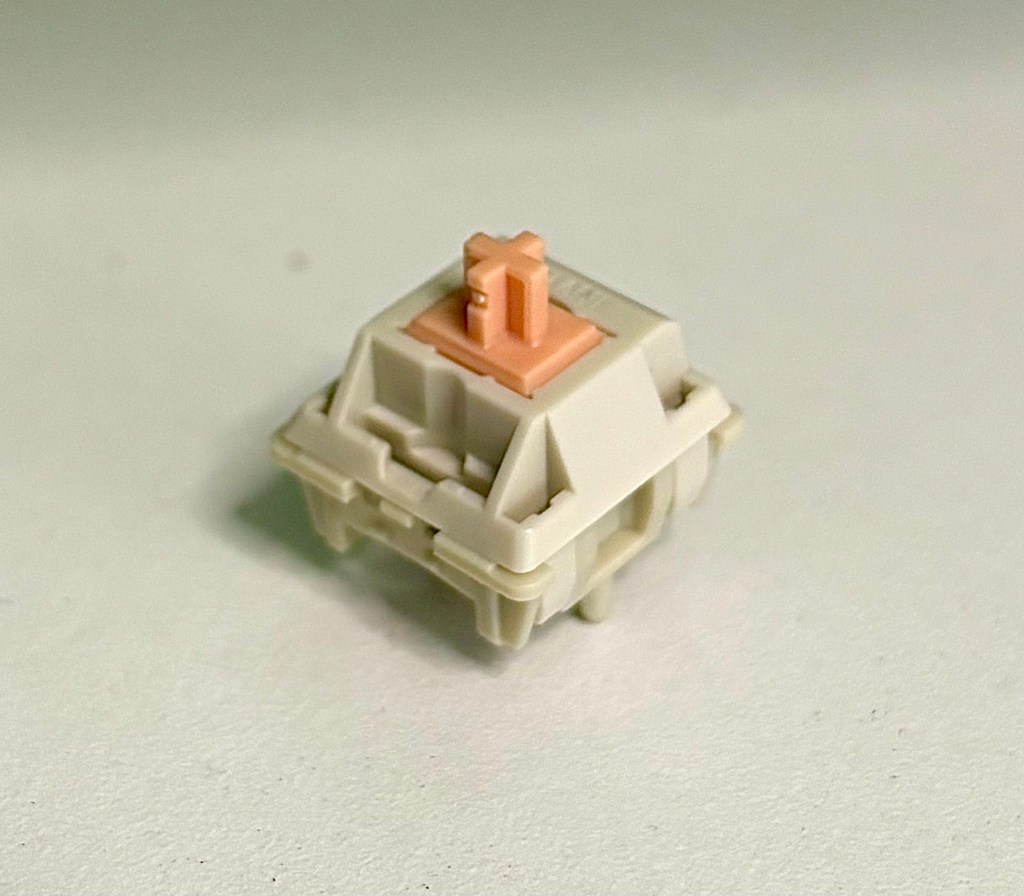
How to choose the right* switch (*for you)
New switches can completely change the sound and feel of your keyboard, and swapping switches is a great way to start experimenting within the hobby. Choosing the “right switch” can be really overwhelming, especially if you have no idea what you like, but here are my tips for finding your “right switch.” Be sure to check out Links and Resources: Switches for switch-related guides, vendor lists, reviews, and more.
1. Get a switch tester
First, get a switch tester. Sound tests and reviews are helpful, but you won’t know what you like until you hear it and feel it yourself. Plus, when you’re first starting out you might not know what you like, so you want a variety of choices to try side-by-side. Once you’ve tried some different switches and got a feel for what you like, you can fine-tune your taste with sound tests, reviews, and product descriptions.
Many manufacturers–like Gateron, Akko, and Kailh– offer testers with their own brand of switches, but you can also get testers that mix different brands. Some sellers on Etsy will even make you custom testers with switches of your choice. Some come with keycaps, but most do not. Get whatever brand(s), switch names, or colors that interest you, but don’t feel like you have to get the biggest tester out there. It’s easy to get overwhelmed by choice, and you won’t need a 100-switch tester to decide what you like.

2. Decide generally which categor(ies) of switch you like
When you get your tester, pay attention to how each switch feels and sounds when you push on it. You’ll find switches fall into three broad categories–linear, clicky, and tactile–and that some are easier or harder to push (i.e., “lighter” and “heavier”). As you try different switches, you might find yourself drawn to the smoothness of linear switches, the snappiness of tactile switches, or the musicality of clicky switches. You might like a higher-pitched, “clacky” sound, a lower-pitched, “thocky” sound, or something in between. There’s no right answer; it’s all about what you like.
3. Test a small pack of switches on your keyboard
Once you’ve tried the tester, choose a handful of switches you like best and buy small packs of them from a vendor who sells switches in smaller quantities (e.g. Milktooth sells packs of 10). You probably won’t be able to truly tell which switch you like best from pushing only one switch at a time, like on the tester, so install 5-10 switches of each kind at a time to get a better feeling for how they feel and sound. And test them on the board you ultimately want to install them on because switches can sound and feel dramatically different on different boards.

4. Try out a full set on your keyboard
Once you’ve decided which switches you like best, install a full set on your keyboard! I would get at least 5 more switches than your keyboard requires in case you get one that doesn’t work or that gets bent during install or modding. It may take some time spent typing or gaming to figure out how you feel about the switch you chose, and your feelings may change over time.
If you realize you don’t care for a switch after a while, try to figure out what you don’t like and use the switch’s specs or product description to inform your next choice. For example, if you try a switch you love but that tires your fingers, you can look for switches of a similar type (e.g., linear, clicky, tactile) that are made of the same materials (e.g., nylon, polycarbonate, POM) but that have a lower actuation or bottom out force than the switch you tried. Several websites let you search for switches by type, weight, manufacturer, and other factors (e.g., Milktooth, whom I mentioned earlier, allows you to search his website’s inventory by type, weight, color, sound signature, and RGB-friendliness), so once you know what you like generally, you can use those tools to find other switches you might like.
Enjoy the never-ending quest
Finding your “right switch” will likely require some trial and error, but you don’t have to bankrupt yourself. Use testers to figure out broad contours of what you like, then narrow down the options by trying small batches and comparing the switches you’ve tried to product descriptions online. With luck and a little experimentation, you’ll find the switch that’s right for you (until you build your next board…).
Happy testing!
 Snacks Clacks
Leave a comment